
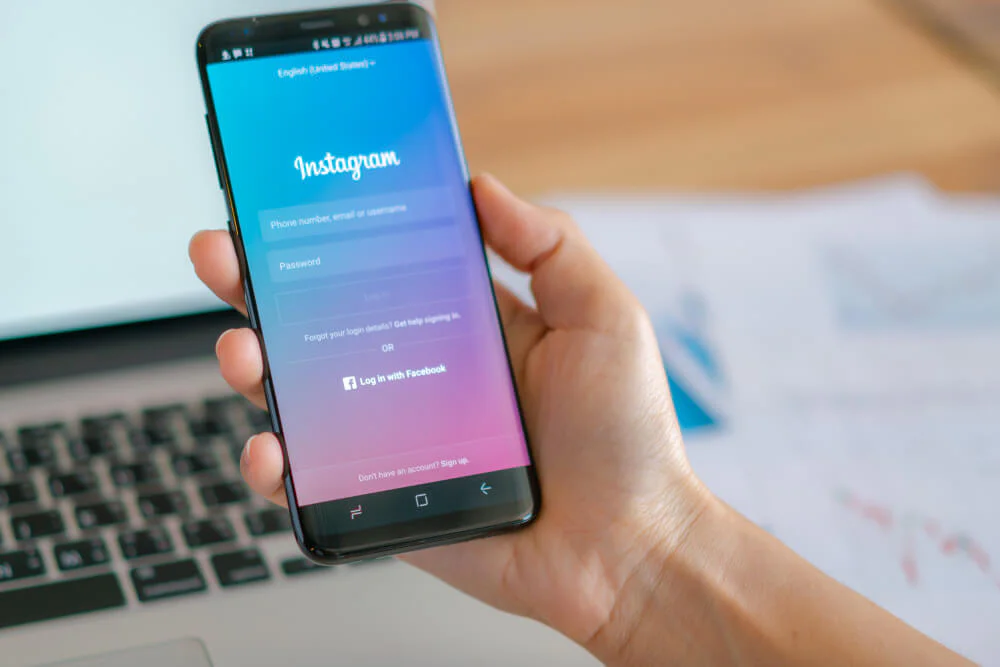
We have all been there. You are curious about what an old friend, a competitor, or even a public figure is up to, but you do not want your name popping up in their “Seen” list. Instagram is designed to be a two way street where engagement is tracked meticulously. Every time you tap a circle at the top of your feed, you leave a digital footprint. However, sometimes you just want to browse in peace without the pressure of social interaction or the awkwardness of being noticed.
As someone who has spent years dissecting social media algorithms, I can tell you that while the platform does not offer an official “incognito mode,” there are several reliable ways to maintain your privacy. Whether you are conducting market research or just satisfying a bit of curiosity, these methods will help you stay under the radar.
The Reality Of Instagram Privacy Policies
The platform is very protective of its data. Under current policies, Instagram requires a handshake between users. If you see their content, they see your identity. This is great for influencers who want to track their reach, but it is a hurdle for those who value discretion. If you try to view a story while logged in, your profile is recorded instantly.
To bypass this, people often think they need to be a coding genius, but the solutions are actually quite accessible. The key is to break the direct connection between your account and the person’s story. You can achieve this through third-party tools, clever device settings, or even a simple secondary profile.
Using Dedicated Anonymous Viewers On Android
If you are an Android user, you have some of the best utility apps at your fingertips. One of the most consistent tools I have recommended over the last year is the Anonymous Story app. It is built specifically for users who want a clean, separate interface away from the main Instagram application.
What I like about this specific approach is that it does not just let you watch; it lets you archive. If you are a social media manager or a researcher, being able to save a reel or a story for later analysis without alerting the creator is a huge advantage.
An insider tip: Always check the permissions of any app you download from the Play Store. A legitimate viewer should not ask for access to your contacts or your microphone. If it does, move on to the next one.
The process is straightforward. You simply enter the username into the app’s search bar. The profile will populate, and you can browse the active stories at the top. To download, there is usually a small icon in the corner that saves the file directly to your gallery.
Watching Stories Invisibly On iPhone
The iOS ecosystem is a bit more locked down, which can make finding a good app a challenge. However, Storized remains a top choice for iPhone users. It focuses on high-definition viewing, which is great if you need to see details in a photo or video that the browser might compress.
Unlike some “free” apps that bombard you with ads every three seconds, Storized often operates on a subscription model. This might seem like a drawback, but in the world of tech, if you are not paying for the product, you usually are the product. A paid app is often more respectful of your data privacy.
HD Quality: You can see profile pictures and stories in full resolution.
No Login Required: You do not have to link your actual account, which is the ultimate safety net.
Public Accounts Only: Keep in mind that no app can bypass the security of a private account. If the user has locked their profile, you will only see their HD profile picture.
Web Based Solutions For Desktop Users
Sometimes you do not want to clutter your phone with extra apps. If you are working from a PC or a laptop, web based viewers are the most efficient route. I often use these when I am doing deep dives into trend analysis for clients.
One of the most robust platforms right now is InstaStories.watch. It is incredibly fast and works entirely in your browser. You do not need to sign up for an account, which means there is zero trail leading back to you. It handles everything from standard stories to IGTV and live streams.
Another reliable option is Storiesig.me. I have found this one particularly useful for downloading highlights. Highlights are often a goldmine of information that has been curated over months, and this tool lets you pull that content to your local drive in seconds.
To use these, simply visit the site and paste the username. The site fetches the data from the Instagram servers and displays it to you as a middleman. Since the request is coming from the website’s server and not your IP address, you remain completely invisible. For those curious about the technical side of how these requests are handled, checking out the standard web scraping protocols can give you an idea of how data is fetched without a direct login.
The Flight Mode Trick
If you want a quick way to view a story without using any third party tools at all, the airplane mode trick still works in 2026. This is a classic “old school” move that relies on how the app pre-loads content.
When you open Instagram, the app automatically downloads the first few stories in your feed so that they play smoothly when you click them. If you see the person’s story ring highlighted at the top, it is likely already cached on your phone.
Open the app and let the stories load for a few seconds.
Turn on Airplane Mode to kill your internet connection.
Watch the story. Since you are offline, the app cannot send the “seen” receipt back to the servers.
Close the app completely before turning your internet back on.
Be careful with this one. If you watch too many stories in a row, the app might not have pre-loaded them all, and you will just see a spinning circle. This works best for the first one or two stories in the queue.
Setting Up A Burner Account
If you find yourself needing to view stories regularly, the most professional and sustainable way to do it is by creating a secondary “burner” account. This is a common practice among SEO experts and digital marketers.
The beauty of a secondary account is that it gives you access to the actual Instagram interface and all its features without revealing your real name. You can follow people, set up notifications, and even interact with content without it ever being linked to your primary profile.
When setting this up, I recommend using a completely different email address and not linking it to your Facebook or your phone’s contact list. If you do, Instagram’s “Suggested Friends” algorithm might accidentally recommend your burner account to your real life friends, which totally defeats the purpose of being anonymous.
Mastering Your Privacy
Staying anonymous on social media is about layers. There is no single “magic button,” but by using a combination of web viewers for desktop browsing and a dedicated burner account for mobile, you can satisfy your curiosity without ever leaving a trace.
Always remember that these tools are best used for public profiles. Respecting people’s private boundaries is important, and the tech is really designed to help you navigate the public sphere with a bit more freedom. Start by trying a web based viewer next time you need to check a story. You will find that the peace of mind that comes with being invisible is well worth the extra step. By choosing to view Instagram stories anonymously, you are taking control of your digital shadow in an age where everything is usually tracked.